Building a Microsoft Teams Room: the complete decision guide
Microsoft Teams Rooms is a certification, not a product, and almost every Teams Room is specified from the wrong end. This guide walks the decisions in the order that works: what shape of hardware the room needs, who owns the compute, which certified route fits, and the one distance that settles more of the answer than anything on a datasheet.
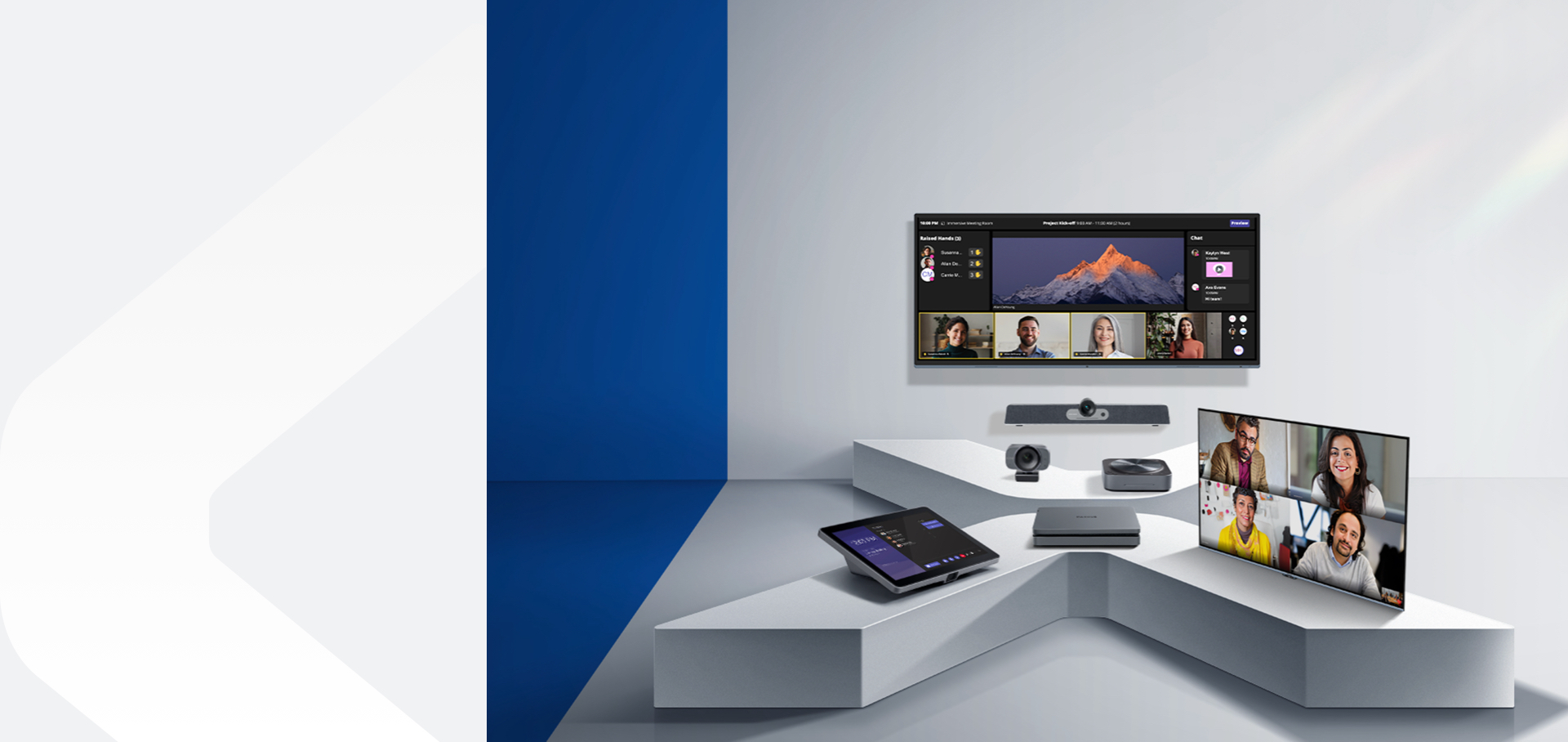
What this guide decides for you
Microsoft Teams Rooms is a certification, not a product. That single fact accounts for most of the confusion in specifying one. A certified Teams Room can be a video bar with a small Windows machine beside it, a compute kit built around displays and cameras chosen separately, or one interactive display that contains the whole room behind its glass. All three carry the same certification. None of them is more legitimate than the others, and the datasheets will not tell you which one you want.
What settles it is not the optics. Across a single manufacturer's line the cameras and microphone arrays are often near-identical from one build to the next, which makes the hardware comparison unusually unhelpful and the operations comparison unusually clear. The real questions are who manages the room, who patches it, what happens when a visitor wants to run a meeting on a different platform, and how far the far end of the table sits from the screen.
Four decisions sit inside a Teams Room specification, and each of them is worked through below.
- What shape of hardware the room needs — a video bar, a compute kit, or one certified device that is the entire room.
- How the bar connects, and therefore who owns the compute and who is responsible for keeping it patched.
- Which of the two certified single-device routes fits the room you actually have, including whether you are allowed to open the ceiling.
- The sizing rules that decide the answer before anybody specifies anything — and the one distance that matters most.
Everything here comes from the sizing rules LXSYS keeps documented and the Teams Rooms builds it sells from. Where a question turns on something only a site visit answers — a ceiling that will not take a fixing, a room that divides in two, a table longer than the room was designed around — this guide says so rather than guessing.
Video bar, compute kit or certified panel: three ways to build a Teams Room
The first decision is the shape of the hardware, and there are three shapes. The first is a video bar with compute attached. The MAXHUB XBar W70 Kit is the classic version of this: a Windows-based Teams Rooms kit with a quad-lens camera reaching up to 200MP at 4K across a 125 degree view, 16 beamforming microphones with a 10 metre pickup, and dual 20 watt speakers with quad bass units. It is built for medium to large rooms, and it behaves like every other Windows Teams Rooms endpoint an IT team already manages.
The second shape separates the brain from the room. The MAXHUB XCore Kit Pro is the compute on its own — an XC25T mini-PC with a 12th generation Intel i5, 16 GB of DDR4 and 256 GB of storage, running Windows 11 IoT Enterprise SAC, paired with a TCP30T touch console of 11.6 inches at 1920 by 1080 connected back over RJ45. It is certified as a kit, and it exists for rooms where the displays and cameras are chosen separately, either because the room already has them or because the room needs something the bars do not cover.
The third shape is one certified device that is the whole room. The MAXHUB XBoard for Microsoft Teams Rooms puts the display, the cameras, the microphones and the compute into a single certified object running Windows 11 IoT — available at 55, 65, 75 and 86 inches in 16:9 and 92 inches in 21:9. One power feed, one network drop, one thing to mount, one thing to manage.
We have written up the three ways to build a Teams Room as its own note, worked through from the operations side rather than the hardware side, and it is the better read if that is the decision in front of you right now.
USB, Android or Teams-native: how a video bar connects and who owns the compute
Two bars can carry the same camera and the same microphone array and still produce completely different rooms, because how the bar connects decides where the compute lives — and whoever owns the compute owns the patching, the attestation and the support call. This is the decision that gets skipped, and it is the one that is felt in year two.
A USB bar puts no compute in the room at all. The MAXHUB XBar U50 is certified for Microsoft Teams and connects plug-and-play over USB, with 100MP dual cameras across 12 lenses, 2400 TV lines and a 125 degree horizontal field of view, 12 beamforming microphones with an 8 metre pickup, and dual 15 watt speakers. Whatever laptop walks in is the room. There is nothing in the room to patch, nothing to enrol, and nothing to attest — and equally nothing that belongs to the organisation, so the meeting is only as reliable as the visitor's machine and whatever they have installed on it. For huddle rooms, small and medium rooms, and any room whose entire purpose is that guests can use it, that trade is usually the right one.
An Android appliance puts compute in the room but not a PC. The MAXHUB XBar V50 Kit runs MDEP Android and is Teams certified, with the same 100MP dual-lens optics, 12 lenses, 2400 TV lines and 125 degree field of view as the USB bar, the same 12 beamforming microphones at 8 metres, and the same dual 15 watt speakers. What differs is underneath: hardware attestation, verified boot, encrypted data and monthly security updates. It is the answer when IT wants a managed appliance in the room and specifically does not want a Windows machine to look after.
A Windows build puts a managed PC in the room, and that is the point of it. The XBar W70 Kit and the XCore Kit Pro both land in the same management plane, the same update rings and the same admin centre as every other Windows Teams Room in the estate. If an organisation already runs Teams Rooms on Windows, this is the build that adds a room rather than adding a second way of doing things — and a second way of doing things is a real ongoing charge on an IT team, whatever the hardware comparison says.
Two certified routes to the same Teams Room, and what actually separates them
Once you have decided the room should be one certified device rather than a bar plus compute, there are two routes to it, and what separates them is the room, not the specification.
The MAXHUB XBoard for Microsoft Teams Rooms is the display-led route: the screen is the device. It is the first Teams-certified interactive display carrying the Trident lens system — 50MP cameras with 2x optical and 5x hybrid zoom — alongside a 16-microphone array covering 180 degrees with a 15 metre pickup and AI noise cancellation, plus auto framing, speaker tracking, multiple-speaker tracking and intelligent focus. It also supports SIP and H.323 alongside Teams, which matters more than it sounds and is worth returning to below.
The Q-SYS RoomSuite Collaboration Bar is the bar-led route to the same place: a Windows-based Microsoft Teams Rooms device with its own touchscreen, carrying four 50MP cameras that do multi-camera framing and speaker tracking from one bar without a separate codec, and a 16-element microphone array. It ships with its console. Its stated case is rooms that are already fitted out, where opening the ceiling is not on the table — which is a renovation constraint rather than an audio one, and it decides more projects than it should.
The separator is the room's existing condition and the length of its table. If the room needs a new display anyway, the display-led route removes a mount, a cable run and a device from the design. If the room already has a display it is keeping, or the ceiling is closed and staying closed, the bar-led route is the one that fits — and it extends where the other does not, taking up to four RoomSuite table microphones for longer tables. Neither route is the better object. They answer different rooms, and the room is already telling you which one it is.
Where rooms most often go wrong
One rule accounts for more badly specified rooms than everything else combined, and it is a distance. If every seat is within about 13 feet of the display and the room never divides, an all-in-one device does the whole job — and adding separate processing to that room makes it worse rather than better. More boxes, more configuration, more to go wrong, and nothing gained that the device was not already doing. Past roughly 13 feet the reasoning inverts, because a fixed front-of-room microphone stops picking up the far end of the table cleanly, and no amount of processing on the wrong side of the room fixes a microphone that cannot hear.
The second rule is about the camera, and it is that you pick the camera from the table rather than from the room. An ePTZ camera crops a fixed sensor, so a face at the far end of a long table arrives with fewer pixels than a face near the front. A PTZ camera moves a real lens instead. Field of view and optical reach pull in opposite directions, which is why a wide field of view is not automatically the better number — it is the right number for a short table and the wrong one for a long table.
The same reasoning settles the panel-or-system question more generally, and we have written that up separately for anyone weighing an all-in-one against a system built from parts.
The honest summary is that most rooms are smaller than the specification written for them. If the table is short, the room does not divide, and nobody outside the organisation ever sits in it, the simplest certified build is not a compromise — it is the correct answer, and the more elaborate one is buying certainty the room does not need.
Common questions
What rule does LXSYS use to decide this?
The thirteen-foot rule. If every seat sits within about 13 feet of the display and the room never divides, an all-in-one device does the whole job and separate processing makes the room worse rather than better. Past roughly 13 feet a fixed front-of-room microphone stops picking up the far end of the table cleanly, and that is the point at which separate processing and separate microphones start earning their place.
Which one suits a smaller room?
For a huddle room or a small to medium room that guests need to use, the MAXHUB XBar U50 — a Teams-certified USB bar with 12 beamforming microphones at an 8 metre pickup, and no compute in the room to manage. For a small to medium room that IT wants to own and manage as an appliance rather than as a Windows machine, the MAXHUB XBar V50 Kit carries the same optics and the same microphone array on MDEP Android, with hardware attestation, verified boot and monthly security updates.
Does this stay certified if the platform changes?
Certification is granted per device and per platform, so it does not travel automatically. Read the catalogue entry rather than assuming: the XBar W70 Kit and the XBar V50 Kit are certified for Microsoft Teams Rooms on Windows and on MDEP Android respectively, and the XBar U50 is certified for Microsoft Teams as a USB device rather than as a Teams Room. Where a room genuinely has to survive a platform decision it does not control, the XBoard for Microsoft Teams Rooms supports SIP and H.323 alongside Teams, which gives the room a route to standards-based calling without replacing the hardware. Anything beyond that is a question to ask before specifying, not after.
What to do next
Three measurements settle most of this before anybody opens a catalogue: the distance from the furthest seat to the display, the length of the table, and whether the room divides. Take those first. They decide whether the room is an all-in-one job or a build with separate processing, and they decide it more reliably than any comparison of camera specifications.
Then answer the operations question, which is the one that is felt later: who patches this room, who is accountable when it does not work, and what happens when somebody walks in wanting to run the meeting on a platform the room was not built for. A USB bar, an Android appliance and a Windows build are three different answers to that question wearing very similar optics.
If the answers point at the simplest build, take the simplest build. A short table, a room that never divides and an audience that is entirely internal is a room that is finished — and specifying past that point adds things to maintain without adding anything the room does.
More room notes
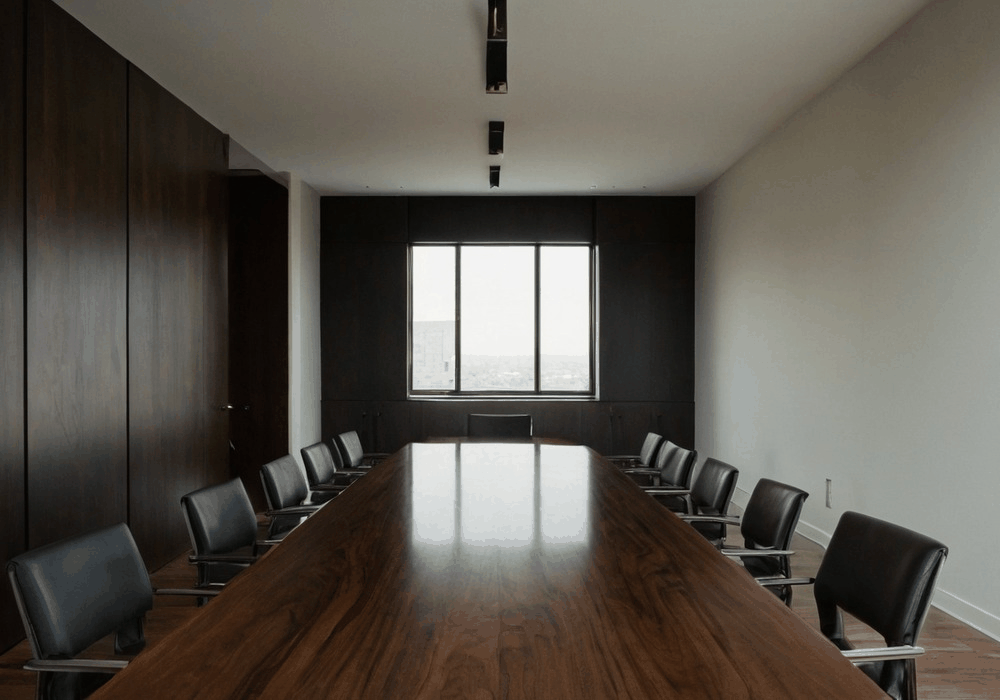
Pick the camera from the table, not the room
Field of view and optical zoom pull in opposite directions. Which one matters is decided by the shape of the table, not the size of the room.
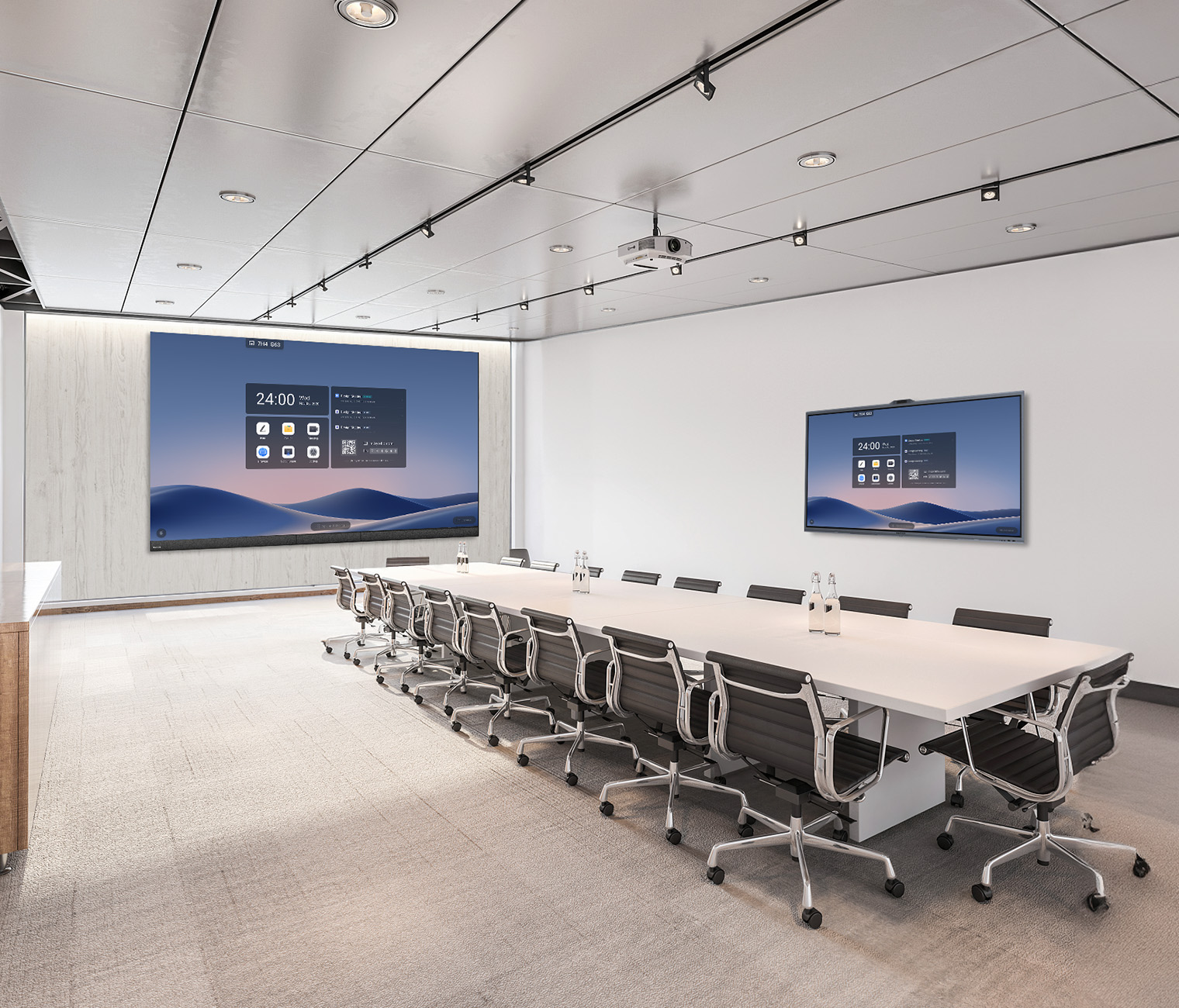
Teams Rooms in a panel, or Teams Rooms as a system
Both approaches are certified and both work. The choice comes down to the length of the table, who maintains it, and what happens in year three.
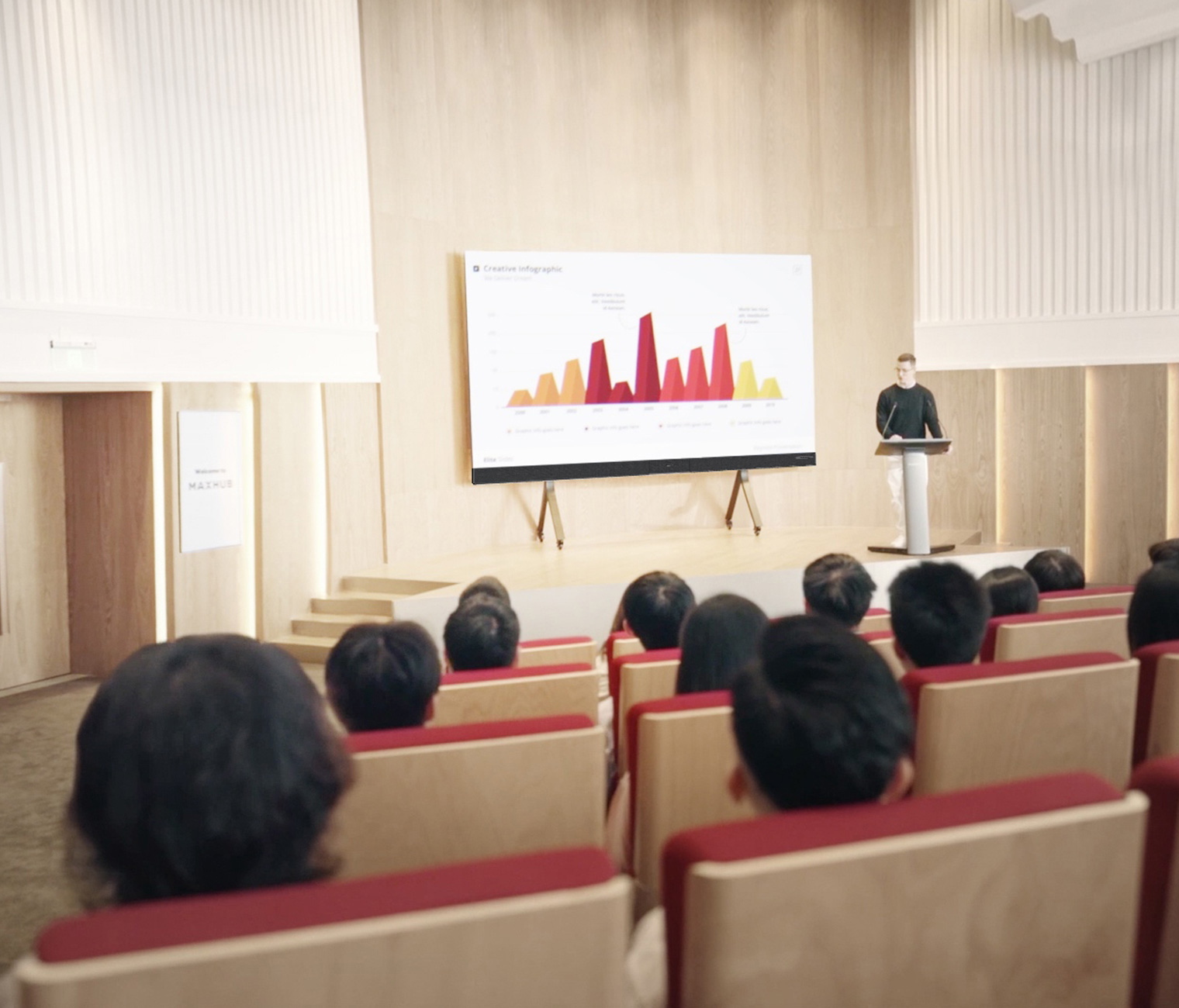
Three ways to build a Teams Room, and who should pick which
Windows kit, Android appliance, or a USB bar and whatever laptop walks in. All three are certified. The right one is decided by who manages the room, not by the hardware.