Three ways to build a Teams Room, and who should pick which
Windows kit, Android appliance, or a USB bar and whatever laptop walks in. All three are certified. The right one is decided by who manages the room, not by the hardware.

Microsoft certifies Teams Rooms on two platforms, and there is a third path that skips the certification question entirely. MAXHUB's XBar line covers all three with near-identical optics, which makes the choice unusually clean: you are choosing an operations model, not a camera.
Path one: the Windows kit
The XBar W70 Kit is the classic Microsoft Teams Rooms build: a certified video bar plus Windows-based compute and a touch console. It behaves like every other MTR endpoint your IT team manages - same update rings, same management plane, same admin center.
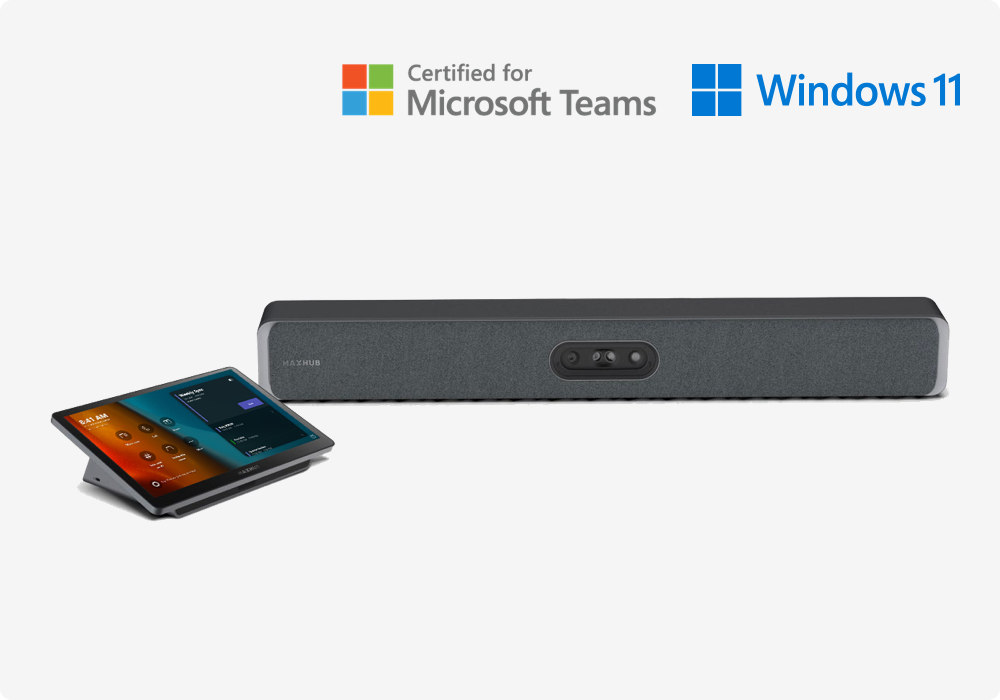
Pick this when the organisation already runs Teams Rooms on Windows and wants one fleet, one management story. The cost is that there is a Windows machine in the room, and somebody owns patching it.
Path two: the Android appliance
The XBar V50 Kit runs the certified Teams Room itself, on MDEP Android. There is no PC in the room at all: hardware attestation and verified boot underneath, encrypted data, and monthly security updates from the platform.
Pick this when IT wants an appliance rather than another endpoint - nothing to image, nothing to patch by hand. It is the answer we find security-conscious IT teams reach for once they see the attestation story.
Path three: no room system at all
The XBar U50 is a Teams-certified USB bar. Plug the single cable into whatever laptop walks in and that laptop is the room - Teams, Zoom, Meet, Webex, whichever platform the guest brought.
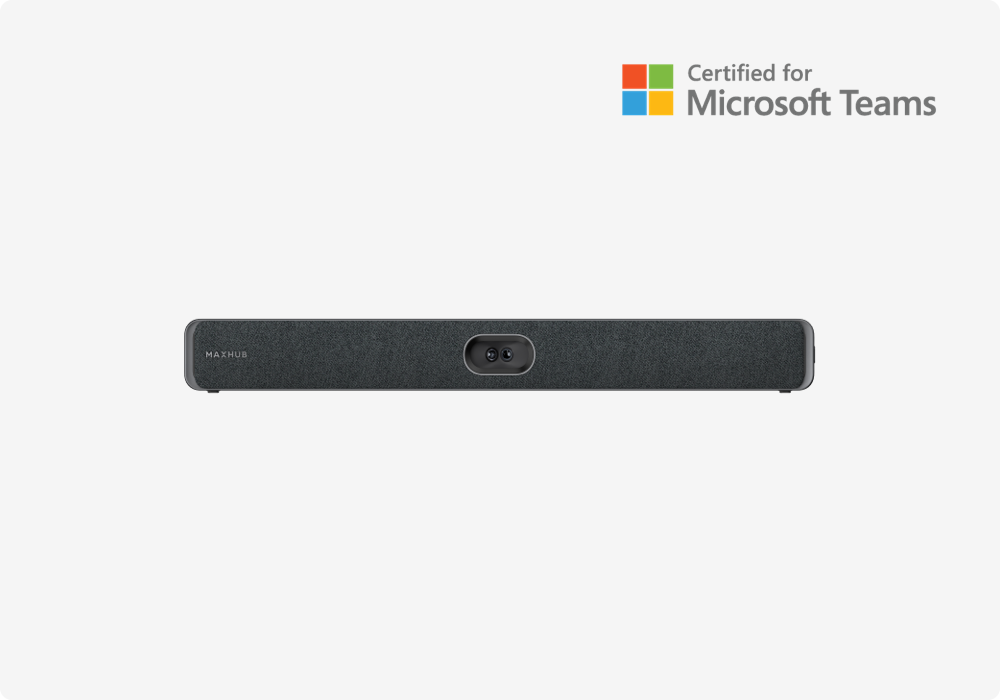
Pick this for huddle rooms, BYOD cultures and any space where guests outnumber staff. Be honest about what it is not: there is no room calendar on the door, no one-touch join without a laptop, and the meeting is only as reliable as the machine running it.
Side by side
| W70 Kit - Windows | V50 Kit - Android | U50 - USB | |
|---|---|---|---|
| Runs the meeting | Windows compute in the kit | The bar itself, MDEP Android | Whatever laptop plugs in |
| Certified Teams Room | Yes | Yes | Certified USB peripheral |
| Managed how | Like any Windows MTR endpoint | Appliance: attested, monthly updates | Nothing to manage |
| Other platforms | Teams first | Teams first | Anything the laptop runs |
| Best for | One-fleet IT estates | Security-conscious IT, no PC in the room | Huddle, BYOD, guest-heavy rooms |
Tell us who patches the room and how guests join, and the platform picks itself. That conversation takes ten minutes and it is the one that matters.
We install and support all three across Orange County, Los Angeles, San Diego and the Inland Empire, and we will say plainly when the cheaper path is the right one.
More room notes
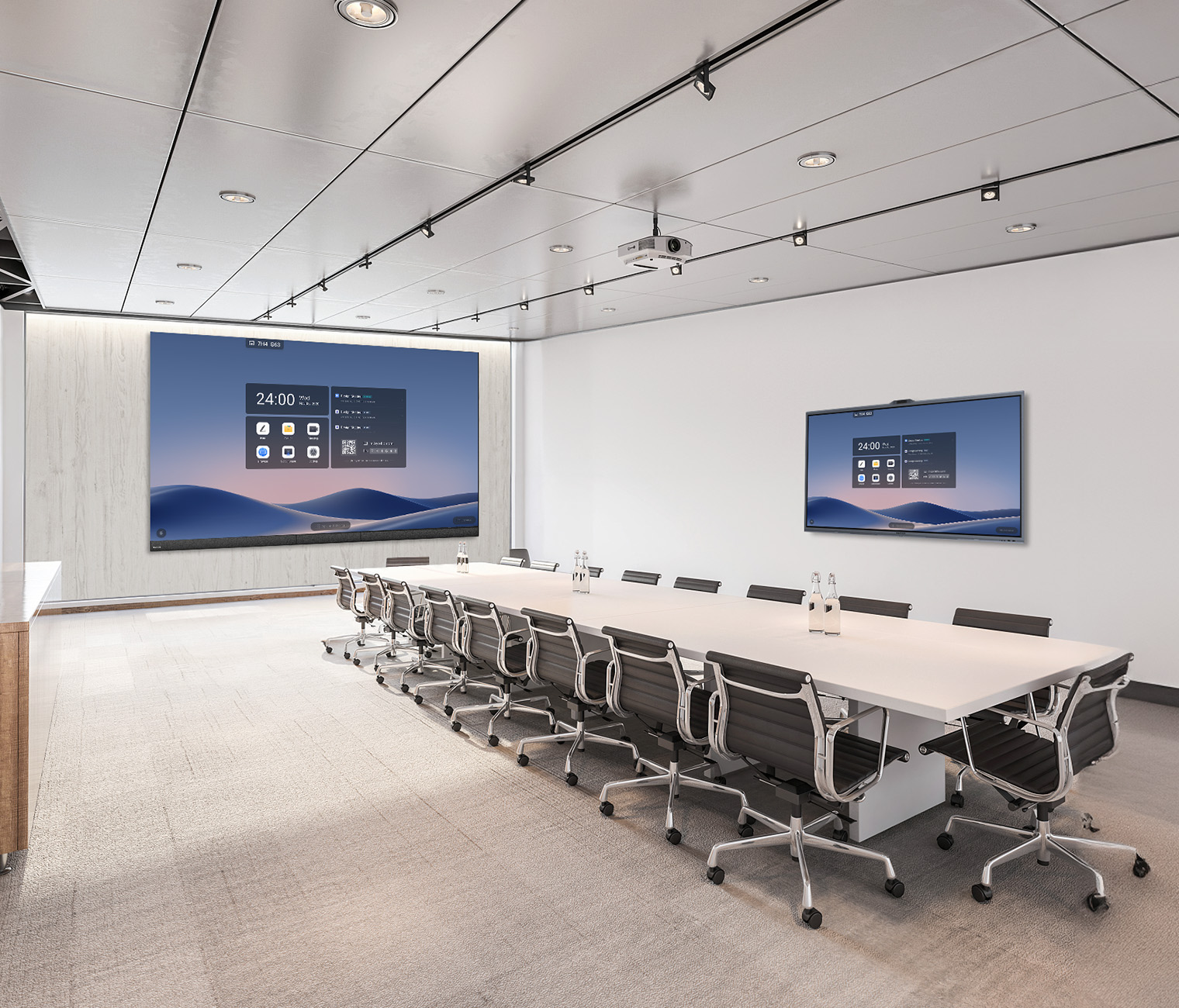
Teams Rooms in a panel, or Teams Rooms as a system
Both approaches are certified and both work. The choice comes down to the length of the table, who maintains it, and what happens in year three.
What a ceiling loudspeaker really costs
The loudspeaker is the cheap part. The amplifier, the cabling and the rack space are the rest of it, and network speakers move that cost somewhere less obvious.
Pick the camera from the table, not the room
Field of view and optical zoom pull in opposite directions. Which one matters is decided by the shape of the table, not the size of the room.