What a ceiling loudspeaker really costs
The loudspeaker is the cheap part. The amplifier, the cabling and the rack space are the rest of it, and network speakers move that cost somewhere less obvious.

Ceiling audio looks like a line item for loudspeakers. In practice a passive design carries four costs, and only one of them is the speaker.
The conventional design
Passive ceiling speakers need an amplifier, a run of speaker cable to each one, somewhere in the rack to put the amplifier, and the labour to terminate and test the runs. The CX-Q 2K4 covers four channels at 2000 watts total, with low impedance, 70 volt or 100 volt drive available on every channel. Note the word total: that 2000 watts is allocated across the four outputs, not delivered on each.

This is the right design when the building already has passive speakers in the ceiling, or when a consultant has specified them. Replacing serviceable speakers to change the amplifier topology is rarely worth it.
The network alternative
An NL-C4 takes a single Cat5e run that carries audio, power and control. There is no amplifier in the design, no speaker cable, and no rack space allocated to either. QSC applies its own tuning automatically, so the room does not need voicing by ear.
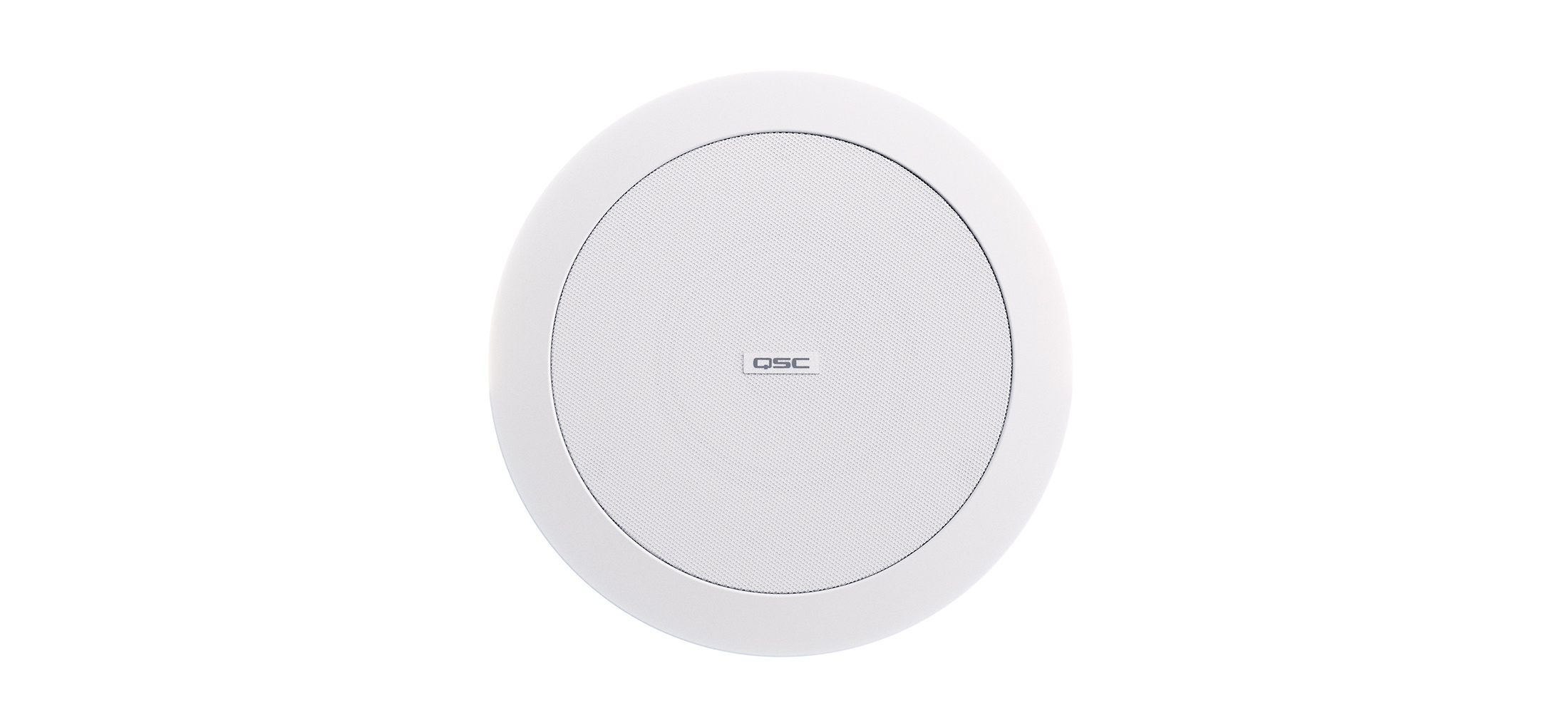
The cost does not vanish, it moves. Each unit needs a switch port supplying PoE+ Type 2 Class 4. A room with six loudspeakers is six PoE+ ports, and a floor of such rooms is a real power budget on the switch. If that pushes the network refresh forward a year, the audio design has just spent somebody else's capital.
Where the money actually sits
| Passive and amplifier | Network loudspeakers | |
|---|---|---|
| Loudspeakers | Per unit | Per unit, higher |
| Amplifier | One per four channels | None |
| Speaker cabling | One run per speaker, terminated | None |
| Rack space | 1U or more | None |
| Network ports | None | One PoE+ Type 2 Class 4 per speaker |
| Switch power budget | None | Real, and worth checking early |
| Tuning | By ear, on site | Applied automatically |
How to compare them honestly
Compare the whole path, not the speaker. Count the amplifier, the cable runs, the rack units and the terminations on one side, and the switch ports and their power budget on the other. In a fit-out where the cabling is going in anyway, the network design usually wins. In a building with good existing speaker infrastructure, it usually does not.
More room notes
Teams Rooms in a panel, or Teams Rooms as a system
Both approaches are certified and both work. The choice comes down to the length of the table, who maintains it, and what happens in year three.

Pick the camera from the table, not the room
Field of view and optical zoom pull in opposite directions. Which one matters is decided by the shape of the table, not the size of the room.
Three ways to build a Teams Room, and who should pick which
Windows kit, Android appliance, or a USB bar and whatever laptop walks in. All three are certified. The right one is decided by who manages the room, not by the hardware.